Obsidian OneDrive Sync Configuration Guide
Simply put, use OneDrive's free 5GB space to sync Obsidian notes
When using Obsidian, I wanted to find a free sync solution. OneDrive personal edition has 5GB of free space, which is more than enough for syncing notes. Plus, Microsoft’s service is relatively stable and the configuration is not complicated.
What is OneDrive
OneDrive is a cloud storage service provided by Microsoft, with 5GB of free space for personal users. It can automatically sync files on your computer to the cloud and then access them on other devices. For Obsidian sync, it acts as a cloud relay station.
Configuration Steps
Step 1: Download OneDrive
Visit the OneDrive official website and download the OneDrive client. Remember to get the personal version:

Step 2: Place Obsidian Vault
After logging in, place your Obsidian vault folder into the OneDrive folder:
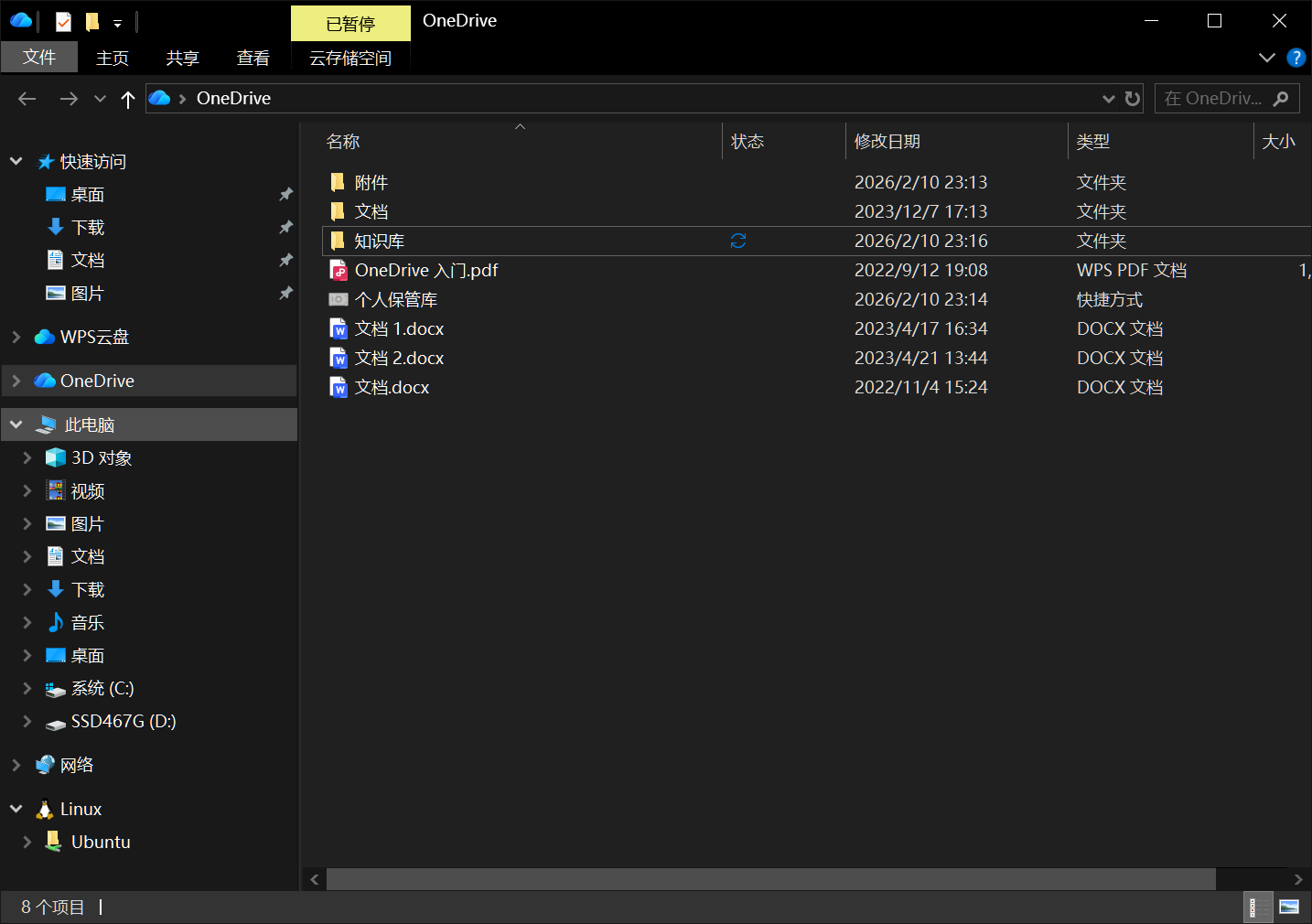
OneDrive will automatically start syncing this folder to the cloud.
Step 3: Mobile Configuration
Search for “OneSync” on your phone and download it. It’s usually not available in domestic app stores, so you’ll need to download it from Google Play.
OneSync can automatically sync files from OneDrive on your computer and supports two-way sync. After logging in, set up the folder and uncheck “Exclude hidden files” because Obsidian’s configuration files are hidden:

Step 4: Open Obsidian
After configuration, OneSync will automatically sync. Then open Obsidian on your phone and select the corresponding OneSync folder.
My Experience
I’ve been using it for a while and it works pretty well:
- Completely free, 5GB is enough for notes
- Simple configuration, not much hassle
- Sync speed is okay, though occasionally there’s some delay
Downsides:
- Need to install OneSync separately, slightly more troublesome on mobile
- Accessing OneDrive in China can be unstable sometimes
- If your notes have many images, 5GB might not be enough
Summary
Simply put, syncing Obsidian with OneDrive is a free but slightly fiddly solution. If you don’t want to spend money and can accept occasional instability, you can try this method. If you want stability, consider Aliyun OSS or the official sync service.
References:
- OneDrive Official Website - OneDrive product introduction
- OneSync App - Mobile sync tool