Deploying and Troubleshooting Sub2API
A practical deployment path for Sub2API with Docker Compose, Nginx, HTTPS, and the security boundaries that are easy to miss.
Running a container is only the beginning of deploying an API service. The harder part is making the application, proxy, certificate, firewall, secrets, and backup path agree with each other.
This article records a practical Sub2API deployment on Ubuntu using Docker Compose, PostgreSQL, Redis, Nginx, and HTTPS. Domain names, addresses, passwords, and keys are intentionally omitted.
Verify the host first
Check the OS, architecture, memory, swap, and disk space before assuming a small server can support the stack. Then verify Docker and Compose:
docker --versiondocker compose versionsystemctl is-active docker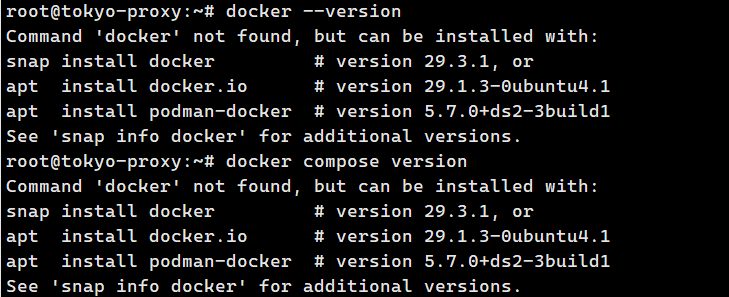
Keep the application private
The application should bind to 127.0.0.1:8080; Nginx should be the only public entry point. This prevents direct public access to the application port and centralizes HTTPS, redirects, headers, and future access controls.
Use Compose to validate and inspect the whole stack:
docker compose config --quietdocker compose up -ddocker compose psDo not stop at “running”. Check application, database, and cache status, and prefer health checks when the images provide them.
Configure Nginx for the request shape
For services that may stream responses or keep long requests open, proxy buffering and timeouts matter. The proxy needs the appropriate forwarded headers, WebSocket upgrade handling when required, disabled response/request buffering, and timeouts that match the service.
Always validate configuration before reload:
nginx -t && systemctl reload nginxIf reload reports that Nginx is inactive, inspect the service and port ownership first. A configuration file can be valid while the service itself is stopped.
Certificate failures are often network-boundary failures
When Certbot times out even though a domain resolves and the application works locally, inspect the public path: port 80/443 listeners, host firewall, and cloud security rules. Local access does not prove that a certificate authority can reach the server.
Treat secrets and backups as deployment work
Database passwords, JWT secrets, TOTP keys, and API keys belong in protected configuration and a password manager, not in screenshots or a public repository. Restrict the environment file:
chmod 600 .envBackups must cover configuration and persistent data, and backup archives should be treated as sensitive too.
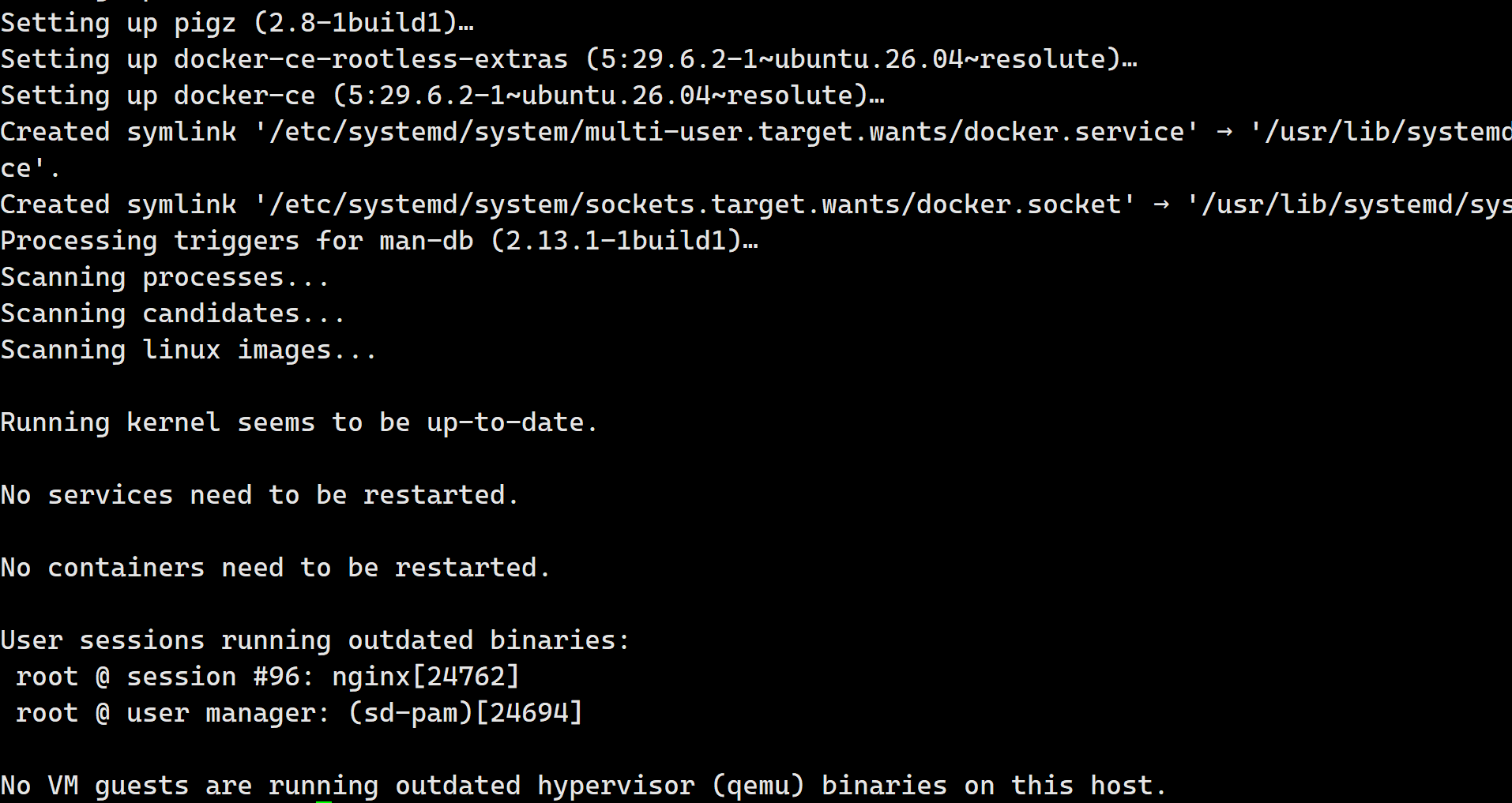
The most useful troubleshooting habit is to check the request chain one layer at a time: application, proxy, DNS, firewall, certificate, and permissions. That is more reliable than repeatedly changing a single setting without knowing which layer failed.